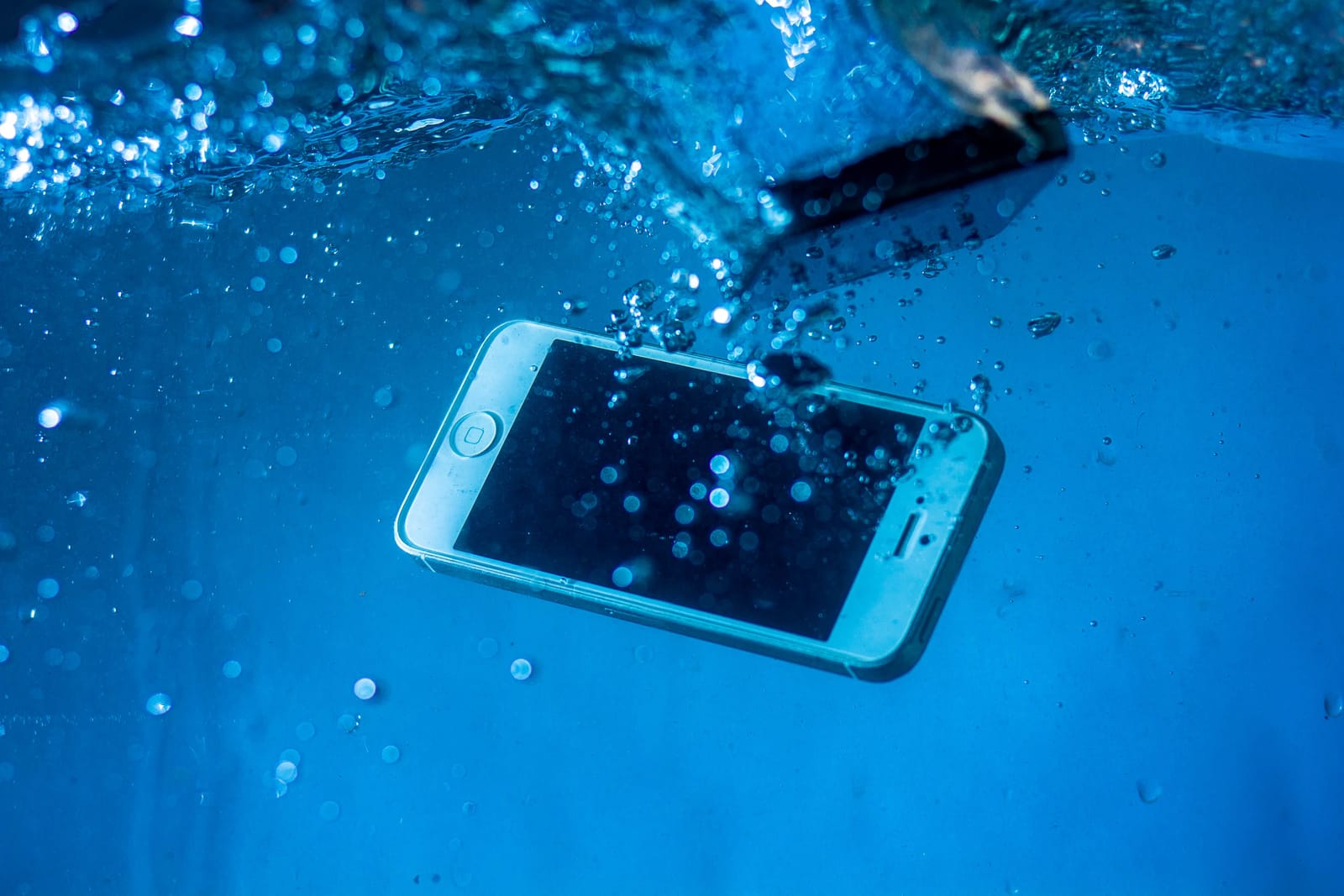
It happens in a second. Your phone slips into the sink, the bath, a puddle or a pint. The good news is that a soaked phone is often saveable. The bad news is that the first few minutes decide a lot, and some of the "tips" you will find online quietly make things worse. Here is what actually helps, from the team who repair water-damaged devices every week.
First, get it out and switch it off
Lift the phone out of the water straight away and hold it screen-up. Then turn it off and leave it off. Water plus power is what causes real damage: while the phone is on, tiny currents run across wet circuit boards and start corroding them. Powering down stops that process.
If the screen is already off, do not turn it on to "check if it still works". That single check is one of the most common reasons a phone that could have been saved is not.
Do these next
- Dry the outside gently with a towel or cloth.
- Take off the case and, if you can, remove the SIM and memory card. This opens up trapped water and lets things dry.
- Stand it upright in a dry, airy spot and leave it alone.
- Get it looked at quickly. The sooner a technician can open it up and clean the board, the better the odds.
What NOT to do (the important part)
- Do not charge it. Putting power through a wet phone can short the board or, with a damaged battery, be genuinely dangerous. Wait.
- Do not put it in rice. It is the internet's favourite myth. Rice barely pulls moisture from inside a sealed phone, and rice dust can lodge in the ports. It mostly just delays getting proper help while corrosion spreads.
- Do not use a hairdryer, radiator or oven. Heat pushes moisture deeper inside and can warp components and adhesive.
- Do not shake or blow into it. That drives water further into places it had not reached yet.
Why speed matters more than drying
People assume the goal is to "dry the phone out". The real enemy is corrosion. Water carries minerals and, if it was not clean water, salts and sugars too, and these start eating into the tiny contacts on the logic board within hours. A phone that looks fine on day one can stop working on day three as that corrosion sets in. That is why getting it to a technician quickly beats leaving it in a bag of rice for a week.
What a proper water damage repair involves
When a water-damaged phone comes into our High Wycombe workshop, we do not just dry it. We open it up, disconnect the battery, and clean the board properly to remove moisture and any corrosion that has started. Depending on the damage, that can be enough on its own, or we may need to replace a corroded part such as the charging port, battery or screen. We tell you exactly what we find first.
Should you back anything up?
If the phone still powers on and you have not backed up recently, and only if it is safe to do so, get your photos and contacts off it before anything else. Water damage can be unpredictable, and a device that works today might not tomorrow. If it will not turn on, do not force it; data recovery is often still possible once the board has been cleaned.
The bottom line
Switch it off, dry the outside, skip the rice, and get it to a technician fast. If you are anywhere near High Wycombe, you can book a water damage repair and either bring it in, or have a certified technician come to your door. We will give you a free diagnostic and an honest answer on whether it is worth fixing before we start.
Need it fixed for real?
Instant Mobile Fix repairs phones, tablets, laptops and consoles in High Wycombe. Free diagnostic, upfront quote, no fix no fee.


